We share everything about Electronic Components OEM, ODM, or private label solutions...

We continuously share and publish original articles about electronic components and OEM/ODM/private label solutions. We hope these articles provide you with valuable insights to support your private label electronic components business.

If you don’t want to miss our article, please subscribe to our newsletter. 

WiFi antenna types and functions

What Is a WiFi Antenna? Types, Specs & Field-Tested Tips

Introduction Ever noticed how your WiFi signal feels strong in the living room but collapses the moment you step into the garage? That frustration is almost always tied to the antenna, not the router itself. Weak coverage, unstable links, or IoT devices that keep dropping off the network—these are all symptoms of a poor antenna match. A WiFi antenna is the unsung hero in any wireless setup. It’s the part that decides how far your signal reaches, how stable it stays when walls or interference get in the way, and whether multiple devices can stay online without constant lag. In practice, picking the wrong one can feel like buying a sports car and then putting on bicycle tires—it simply won’t perform the way you expect.
4.3-10 to N-Type adapter used for migration from legacy systems

4.3-10 vs N-Type Connector: Size, Torque & PIM Compared

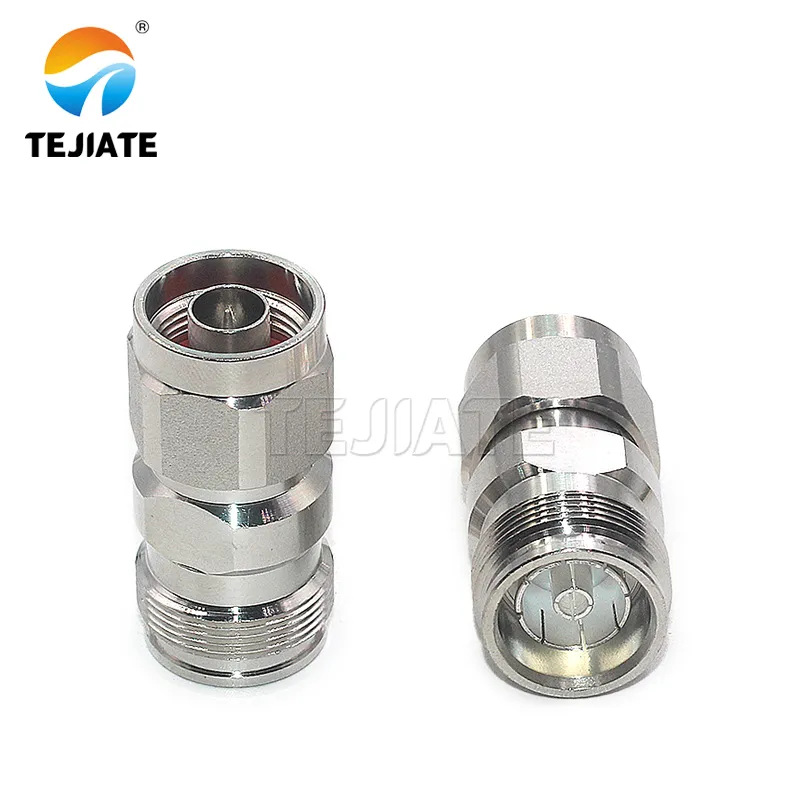
Introduction Ask any RF engineer and they’ll tell you: connectors aren’t just small pieces of hardware, they’re decision points that ripple through your entire project. They affect signal quality, PIM risk, port density, and how quickly a crew can finish an install. Two names in particular come up often—the 4.3-10 connector and the N-Type connector. If you’re weighing 4.3-10 vs N connector, chances are you’re either upgrading a legacy site or building out LTE/5G gear. The choice isn’t trivial. The 4.3-10 is today’s compact, low PIM connector for high-density radios, while the N-Type is a rugged veteran, trusted since the 1940s for medium-power links and test setups.

4.3-10 vs 7/16 DIN connectors side by side on white background

4.3-10 vs 7/16 DIN (L29): Power, PIM & Torque Compared

Introduction In the world of RF infrastructure, a few connector names always rise to the top: 7/16 DIN (L29) and 4.3-10. Both are low PIM connectors designed to keep multi-carrier signals clean, and both are engineered for outdoor telecom use. Yet they serve slightly different roles. If you’re an RF engineer, a tower technician, or even a procurement manager tasked with choosing between them, you’ve probably asked: Which connector should I pick? 7/16 DIN or 4.3-10?

What Is a 4.3-10 Connector? Specs, Torque & 5G Uses

Introduction Climb a tower today and you’ll spot a compact silver interface labeled 4.3-10. It looks like any coax fitting, but the 4.3-10 connector was built for the LTE/5G era: low Passive Intermodulation (PIM), tighter port spacing, and quicker installs. For years, the heavy 7/16 DIN dominated high-power work. As gear shrank and ports multiplied, crews needed something smaller that still protected link budgets. The 4.3-10 answered with low PIM, lower torque, and dependable weather sealing.

What Is a 7/16 DIN Connector (L29)? Uses, Torque & Adapters

Introduction If you’ve ever worked on a rooftop cell site, a distributed antenna system (DAS), or a telecom shelter in the middle of summer heat, chances are you’ve come across a 7/16 DIN connector. Also known as the L29 connector or sometimes just “DIN 7/16,” this threaded coaxial interface has been a workhorse in high-power RF systems for decades.So, what makes it special? In short: it’s built for power handling, low Passive Intermodulation (PIM), and reliable outdoor performance. When smaller connectors struggle to carry high RF loads or break down under weather stress, the 7/16 DIN steps up. That’s why you’ll still find it widely used on macro base stations, rooftop antennas, broadcast towers, and in-building DAS hubs.

What Is an N-Type Connector? 50Ω vs 75Ω, Uses & Tips

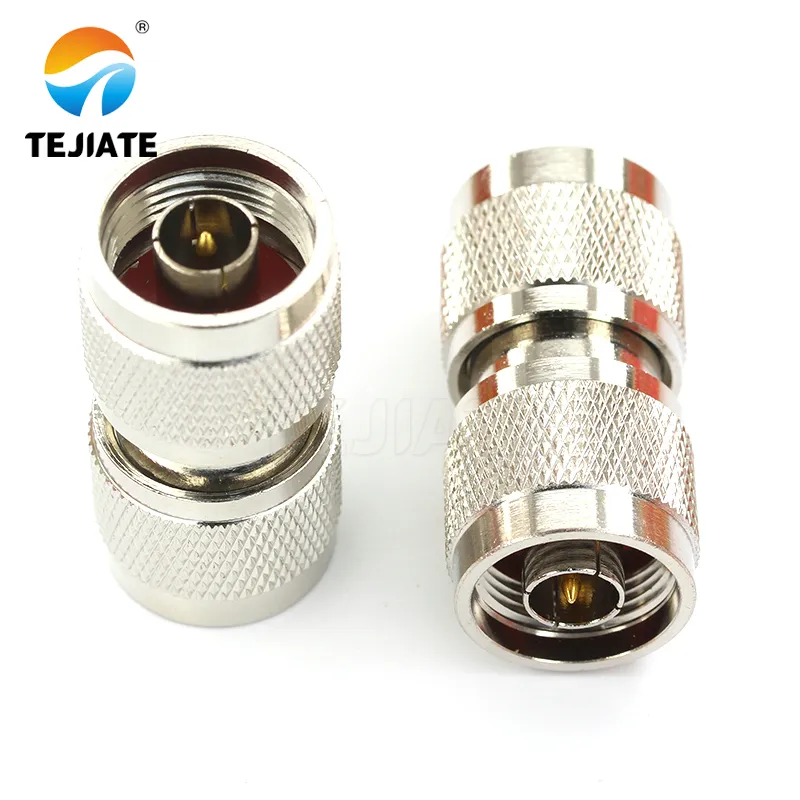
Definition: An N-Type connector is a threaded RF interface for outdoor, higher-power links in 50 Ω or 75 Ω systems. the N-Type connector is the workhorse for outdoor RF and higher-power links. It’s threaded (stable), relatively large (easy to handle), and—when specified correctly—stays consistent from VHF through microwave bands. If your job involves rooftop antennas, long coax runs, or telecom cabinets, this guide is for you.

SMA to MMCX adapter connector for coaxial cables

What is MMCX Connector: Definition, Types, Uses, and Adapters

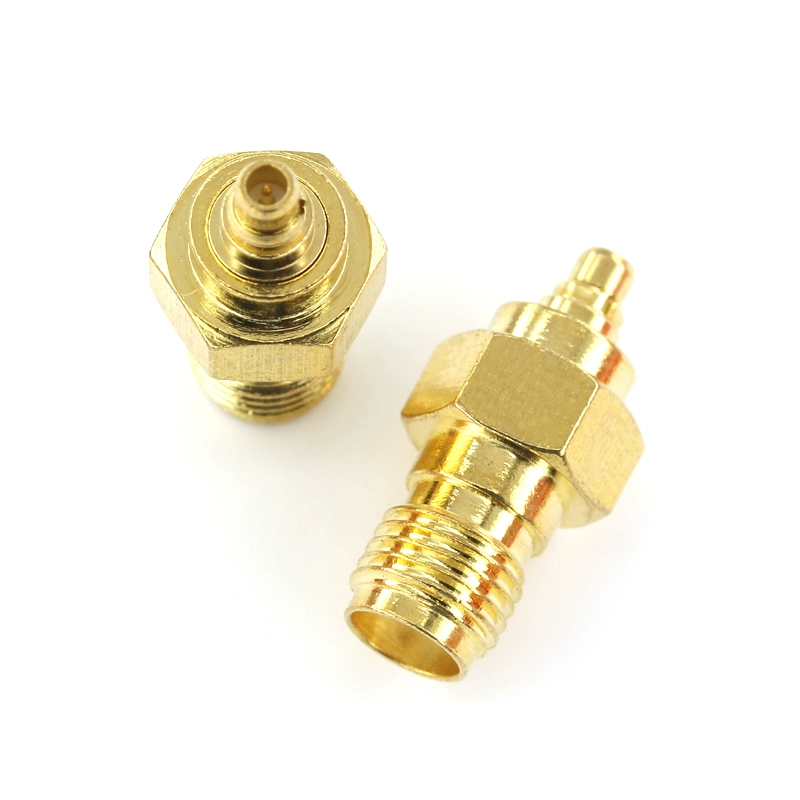
Introduction In RF design, space often decides whether a product works or fails. As devices shrink—from IoT boards to in-ear monitors—engineers need connectors that fit tight layouts without sacrificing performance. One answer is the MMCX connector. Created in the 1980s as a smaller sibling of MCX, the Micro-Miniature Coaxial connector is only 2.4 mm wide. It was designed to save space yet still carry signals for WiFi, GPS, and LTE. What makes it popular is balance: tougher than U.FL, easier to fit than SMA, and durable enough for repeated use. Whether inside a wireless module or at the end of a detachable headphone cable, the MMCX quietly does its job.

SMA to MCX adapter for connecting coaxial cables

What is MCX Connector? Definition, Uses, and Comparisons

Introduction Ever noticed the tiny round plug on a GPS receiver or a USB TV tuner stick? That little snap-on port is called an MCX connector. It doesn’t look like much at first—just another coaxial plug—but its compact size and quick-lock design make it surprisingly useful in gear where every millimeter counts. So, what is a MCX connector? The term comes from Micro Coaxial Connector, a standard that first showed up in the 1980s when engineers were desperate for something smaller than the chunky SMA and SMB connectors. Instead of threads or bulky couplings, MCX relies on a push-and-click snap-on system. No tools, no twisting—just press, and you’re connected.

U.FL and IPEX connectors for IoT and 5G modules

U.FL vs MMCX vs IPEX Connectors: IoT & 5G RF Guide

Introduction Crack open a smartwatch, drone, or 5G card and you’ll spot the same problem: there’s never enough space. Modern devices are crammed with chips, sensors, and batteries—yet they still need a way to push high-frequency signals out to an antenna. The answer? Tiny coaxial connectors like U.FL, MMCX, and IPEX. They don’t look like much. Each measures only a few millimeters across, nothing like the chunky threaded SMA connectors you see on routers or lab gear. But without them, IoT gadgets and 5G modules wouldn’t get a reliable wireless link. Think of these connectors as hidden highways—small, fast, and essential for keeping devices online.

Illustration of RF adapter bridging WiFi router RP-SMA and lab BNC port

What Is an RF Adapter? Types, Uses & Buying Guide

Introduction Have you ever tried plugging in a new antenna only to discover the connector doesn’t fit? Picture this: your WiFi router uses an RP-SMA jack, but the lab instrument you’re testing against expects a BNC port. Without the right bridge, the two devices might as well live on different planets. That bridge is an RF adapter. At its simplest, an RF adapter (sometimes called an RF converter) is a small but crucial piece of hardware that links incompatible coaxial connectors. Instead of replacing an expensive cable or investing in new equipment, you drop in an adapter, and suddenly everything works. It’s a cost-effective fix, but also a practical one, giving you the freedom to mix and match devices across industries, from home WiFi setups to professional broadcasting labs.

RP-SMA connectors on WiFi routers and IoT hubs

History of RF Connectors: From SMA to 5G Antenna Interfaces

Introduction Most people never think twice about the small metal fittings on their WiFi router, TV set, or even a 5G smartphone. Yet these little parts—RF connectors—quietly decide whether your signal comes through strong or fades into noise. To the untrained eye, they’re nothing more than threaded bits of metal. To engineers, they’re the handshake between systems, where performance is either made or lost. The history of RF connectors shows just how much technology has demanded from them.

Typical RP‑SMA applications in Wi‑Fi and IoT devices

What is an RP-SMA Connector? Types, Antennas & Uses

Introduction If you’ve ever tried swapping out a WiFi antenna on your home router and wondered why the new one wouldn’t screw in, you’ve likely met the puzzle of the RP-SMA connector. At first sight, it looks exactly like the standard SMA type—same diameter, same threaded shell. But when you line them up, the center contact doesn’t match. That tiny difference is what leaves so many users scratching their heads.This small twist in design isn’t an accident. RP-SMA, short for Reverse Polarity SMA, was introduced in the wireless industry to control antenna compatibility. Over the years, it became the default choice for most routers, access points, and even IoT modules. If you’ve opened the back of a WiFi-enabled device recently, chances are you’ve seen an RP-SMA female jack waiting for an antenna.