We share everything about Electronic Components OEM, ODM, or private label solutions...

We continuously share and publish original articles about electronic components and OEM/ODM/private label solutions. We hope these articles provide you with valuable insights to support your private label electronic components business.

If you don’t want to miss our article, please subscribe to our newsletter. 

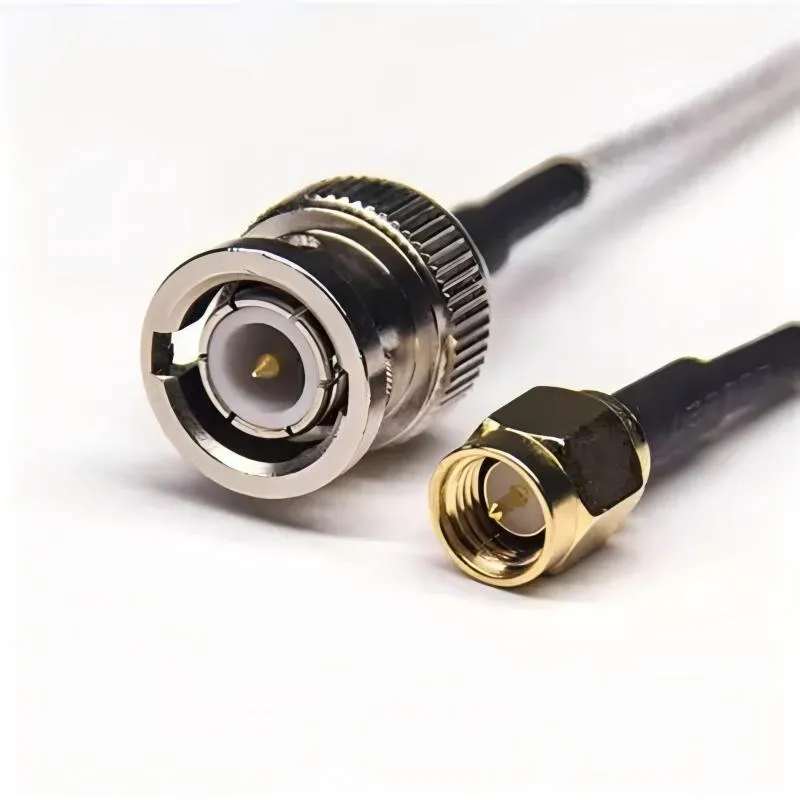
An image showing a modular RF front-end PCB with predefined connector locations, next to a small set of standardized SMA antenna cable SKUs with labeled length and type.

SMA Antenna Cable Length, Loss & Use Cases

In many RF products, the antenna gets most of the attention. Engineers debate gain, radiation pattern, polarization, and placement. The cable that connects that antenna to the radio, however, is often treated as an afterthought. That assumption usually holds—until it doesn’t. In Wi-Fi routers, IoT gateways, and FWA CPEs, the sma antenna cable often becomes the quiet bottleneck in the RF link. It introduces loss, it sees mechanical stress, and it lives closer to the outside world than almost any other RF component. Understanding where this cable sits in the system, how long it can realistically be, and how to match it with the right coax family makes the difference between a link that barely passes and one that works reliably for years.

An annotated diagram or photo of a typical embedded product (e.g., IoT gateway, industrial controller) highlighting touchable ESD entry points: USB/ Ethernet/ RF connectors, buttons, metal housing, exposed screws, and debug headers.

ESD Protection Devices for Embedded Systems

Electrostatic discharge rarely shows up as a clean, dramatic failure. No smoke. No obvious damage. The board powers up, firmware runs, and early validation looks fine. That’s exactly why ESD problems in embedded systems tend to linger longer than they should. Most teams encounter ESD indirectly. A controller resets once every few days. A sensor output jumps under dry conditions. A USB port disconnects only when someone touches the cable shell. Engineers chase firmware timing, buffer overruns, or power sequencing issues—often for weeks—before realizing the root cause was electrical stress, not software logic.

Side-by-side comparison of ESD protection circuits for a low-speed interface (like I2C with simple diode) and a high-speed interface (like USB with a low-capacitance array or specialized protector).

ESD Protection Circuit Design for Mixed PCBs

Electrostatic discharge almost never shows up as a clean, dramatic failure on a mixed-signal PCB. There is usually no burnt component, no obvious short, no instant death. The board powers on. Firmware runs. Interfaces appear functional. That is precisely what makes ESD so dangerous in real products. The damage is often cumulative and indirect. A unit works on the bench, passes production test, and even survives early validation. Weeks later, after installation, handling, or repeated cable insertion, odd behavior begins to surface. A controller resets under seemingly random conditions. A communication link drops once a day. An analog reading spikes for no clear reason. In many mixed-signal designs, these are the first signs that the ESD protection circuit strategy was either incomplete or ineffective.

Photo of an automotive ECU undergoing ESD testing in a lab, showing an ESD gun being applied to a connector while communication is monitored.

ESD Diode Guide for Automotive CAN & LIN

In automotive electronics, the ESD diode is rarely a headline component. It doesn’t define performance, it doesn’t move BOM cost in a visible way, and it usually appears late—often after the CAN or LIN interface already works on the bench. That timing is exactly why ESD problems tend to surface late as well.

Micrograph or illustration showing physical ESD damage on a PCB or semiconductor die, such as melted traces or gate oxide punctures.

ESD Protection for Microcontroller I/O

Electrostatic discharge rarely announces itself with a dramatic failure. Most of the time, it arrives quietly. A prototype boots normally on the bench, firmware runs without complaint, and basic tests pass. Then the board is installed in an enclosure, a cable gets longer, or someone plugs a connector during a dry winter morning. Suddenly, there is a reset. Or a communication error that disappears after a power cycle. That delayed, inconsistent behavior is where ESD protection around microcontroller I/O pins becomes relevant—and where it is most often underestimated.

Diagram showing the typical position of RG316 within an RF chain: between RF chip/module and panel connector.

RG316 Coaxial Cable Specs, Loss & Uses

In RF projects, cable choices rarely get the attention they deserve. Antennas spark debate. Radios trigger simulations. Enclosures go through endless revisions. The cable? It usually slips in late, chosen because it fits. That’s where rg316 coaxial cable quietly enters the picture.

Conceptual image illustrating that the SMA coax cable is often an overlooked design decision, added late in the project cycle.

SMA Coax Cable for RF Jumpers and Antennas

Introduction The sma coax cable is rarely treated as a design decision. In most RF projects, it appears after the antenna has been selected, after the radio has already passed early testing, and after the enclosure layout feels mostly settled. At that point, the cable is expected to behave like a neutral link—short, passive, and unlikely to influence system performance in any meaningful way. That assumption holds just long enough to become dangerous.

Diagram showing how an MCX connector is mounted on a compact RF board and routes the signal to an external interface.

MCX Cable Guide for Compact RF Hardware and SMA Transitions

Compact RF and video products rarely fail because of headline components. They fail in the gaps between them. The mcx cable lives in one of those gaps. It is short, flexible, and often treated as internal wiring rather than part of the RF signal path. That assumption is where problems usually begin.

Conceptual image illustrating that MMCX cables are often overlooked and specified late in RF hardware projects.

MMCX Cable Guide for RF Modules and SMA Transitions

In most RF hardware projects, the mmcx cable isn’t discussed early. Not because it’s unimportant—but because it looks harmless. It’s passive. It’s small. And it usually gets specified after the RF module, antenna strategy, and enclosure layout already feel “good enough.” By that point, attention has moved on.

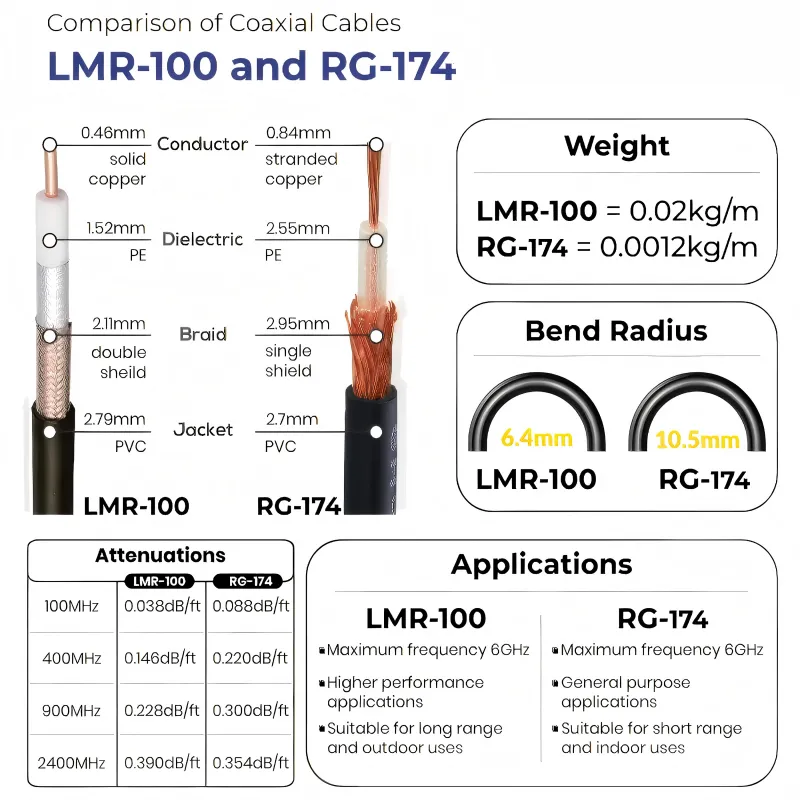
Comparison chart or side-by-side photo showing the physical and electrical differences between RG174, RG316, and RG58 coaxial cables used in SMA assemblies.

SMA RF Cable: Length, Loss Planning, and Practical Design

An SMA RF cable usually enters a project quietly. No one argues about it in early design reviews. It isn’t simulated with the same care as the antenna. It doesn’t get a block in the system diagram. Most of the time, it’s added after the radio works and the enclosure already looks finished.

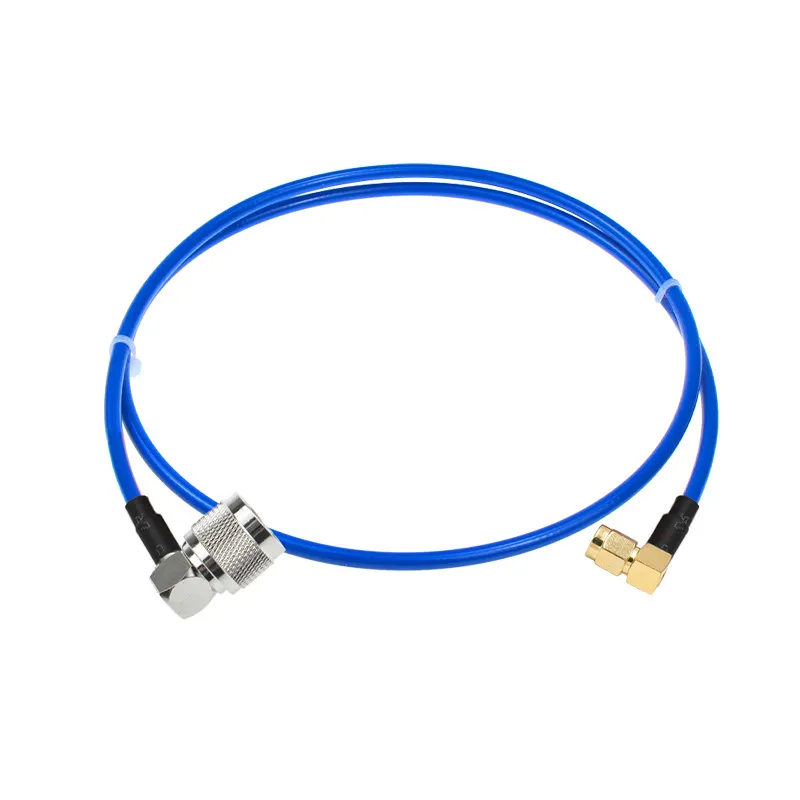
Deployment diagram of an SMA male to N male cable connecting a cellular router indoors to an N-type antenna on a cell tower outdoors.

SMA to N Cable Guide for Outdoor Antennas and RF Feedlines

In most RF projects, the SMA to N cable doesn’t show up on the first schematic. Engineers usually start with the radio, the antenna, and the enclosure. Only later—often when the hardware is already built—does the mismatch become obvious: the device speaks SMA, while the rooftop hardware expects N-type.

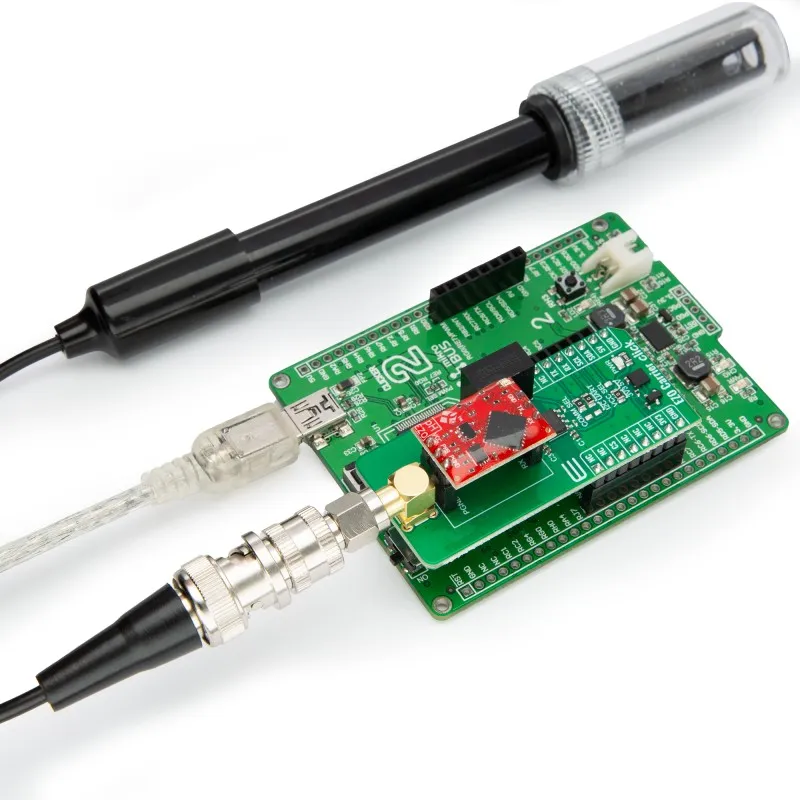
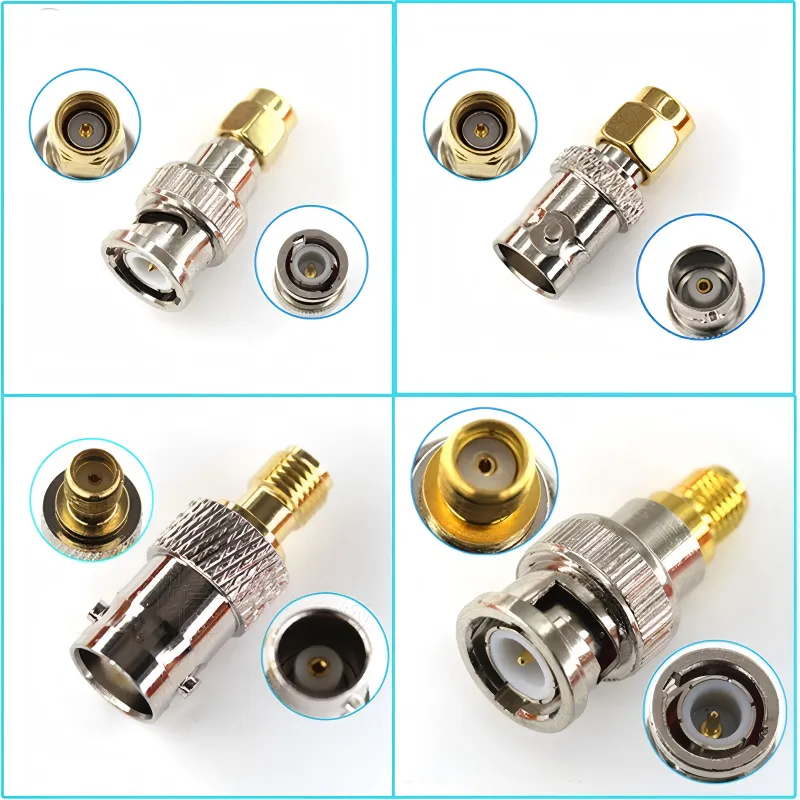
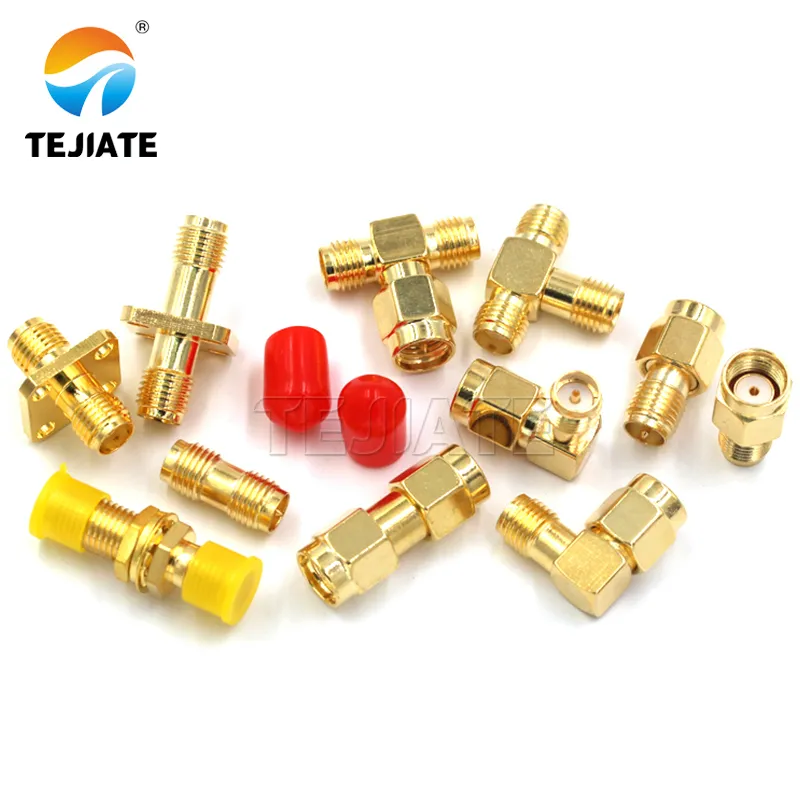
Photograph showing a problematic chain of multiple adapters connected in series.

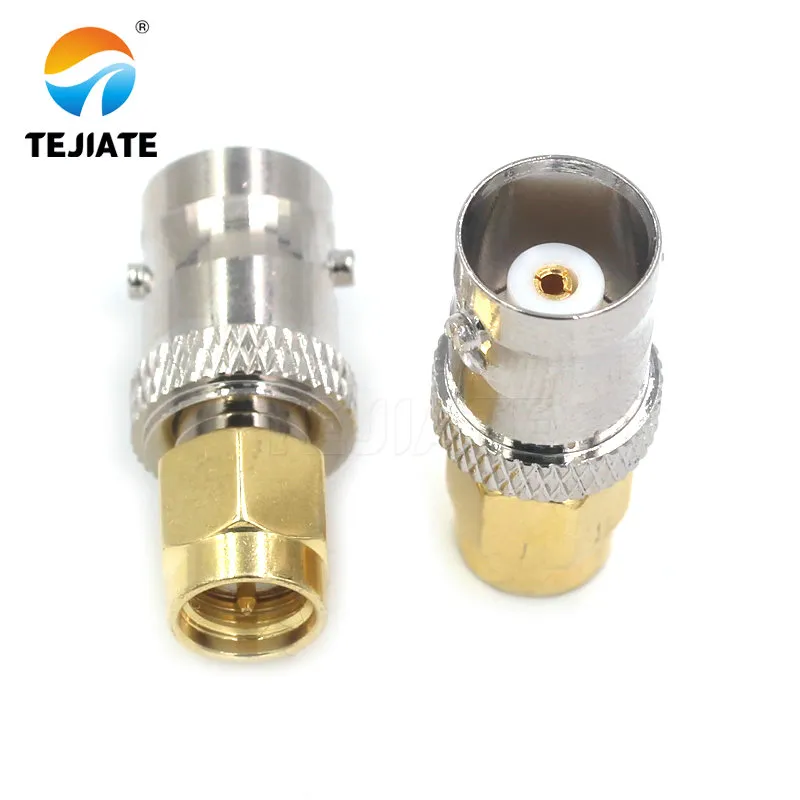
SMA to BNC Adapter Selection Guide for RF Labs

In RF labs and radio projects, interface problems almost never announce themselves clearly. Signals still pass. Instruments still lock. Measurements look “reasonable enough” to move forward. Then someone touches the cable, rotates the adapter slightly, or swaps instruments—and the numbers shift.