We share everything about Electronic Components OEM, ODM, or private label solutions...

We continuously share and publish original articles about electronic components and OEM/ODM/private label solutions. We hope these articles provide you with valuable insights to support your private label electronic components business.

If you don’t want to miss our article, please subscribe to our newsletter. 

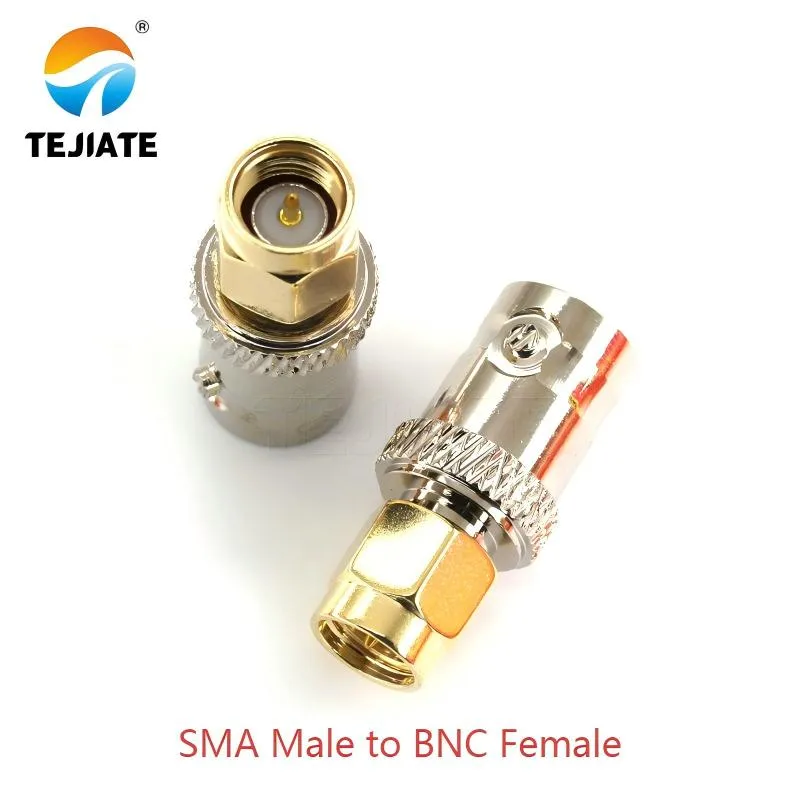
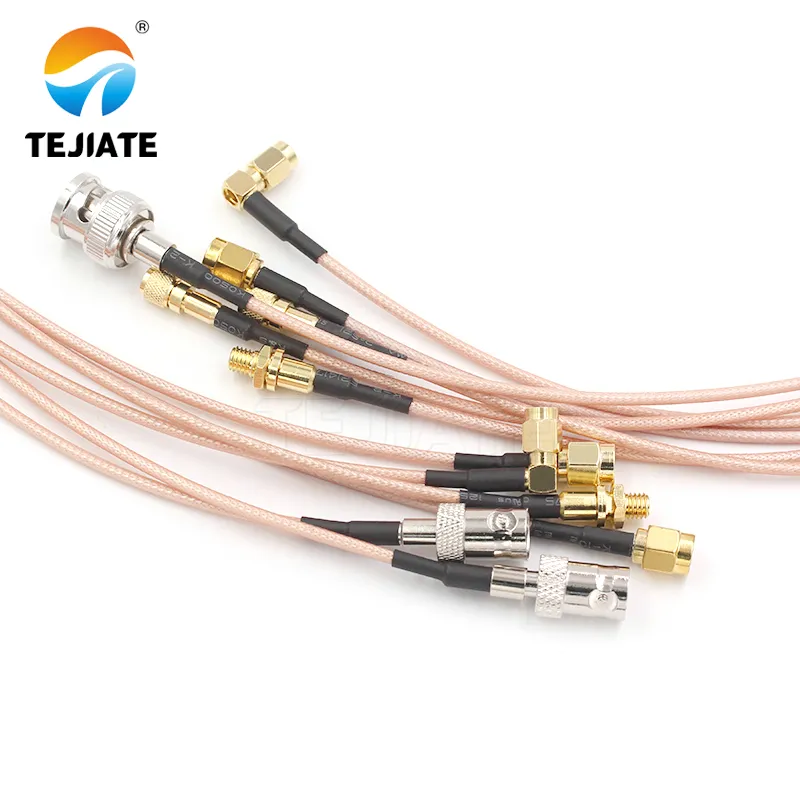
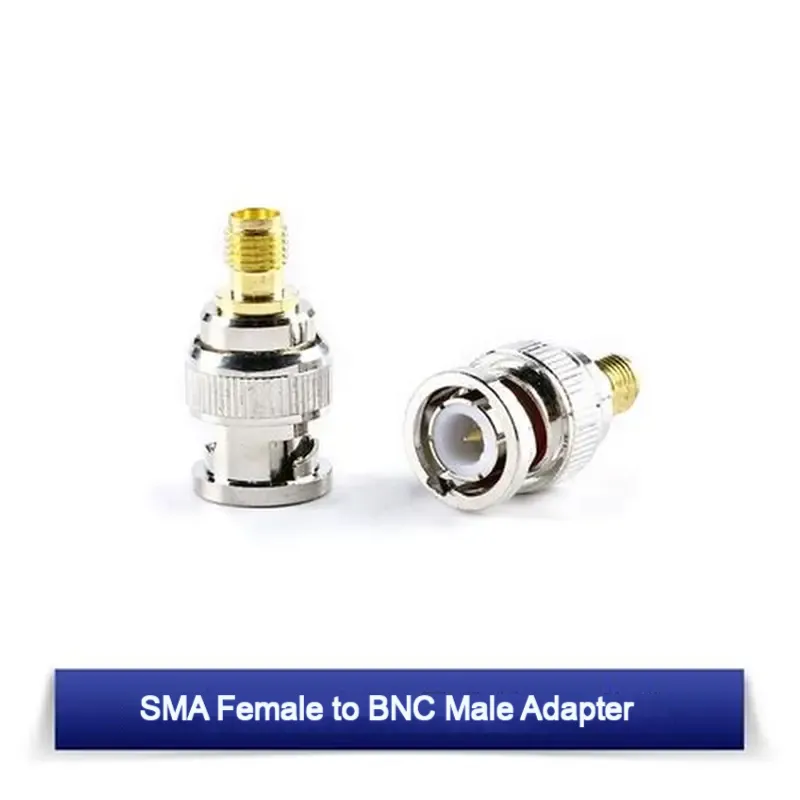
Close-up photo of a standalone SMA male to BNC female adapter

SMA to BNC Adapter Guide: Types, Gender Codes & 50/75 Ω Tips

Introduction Walk into a busy RF lab, set up an SDR on your desk, or check the back of a CCTV capture card—you’ll almost always spot an SMA to BNC adapter. It’s the quiet bridge between two very different connector families: the threaded SMA and the bayonet-style BNC.

What it does is simple: allow signals to pass smoothly without forcing you to replace cables or redesign a setup. But don’t mistake it for an HDMI, USB, or Ethernet converter. Nothing digital is being translated here. It’s purely a mechanical and RF interface match. Here’s the catch: performance depends on details. Pick the right gender (male or female), match the correct impedance (50 Ω vs 75 Ω), and keep adapters in series to a minimum. Do that, and you’ll get low loss and a stable VSWR. Ignore those basics, and you’ll likely end up chasing reflections on your oscilloscope or troubleshooting unnecessary signal dropouts.

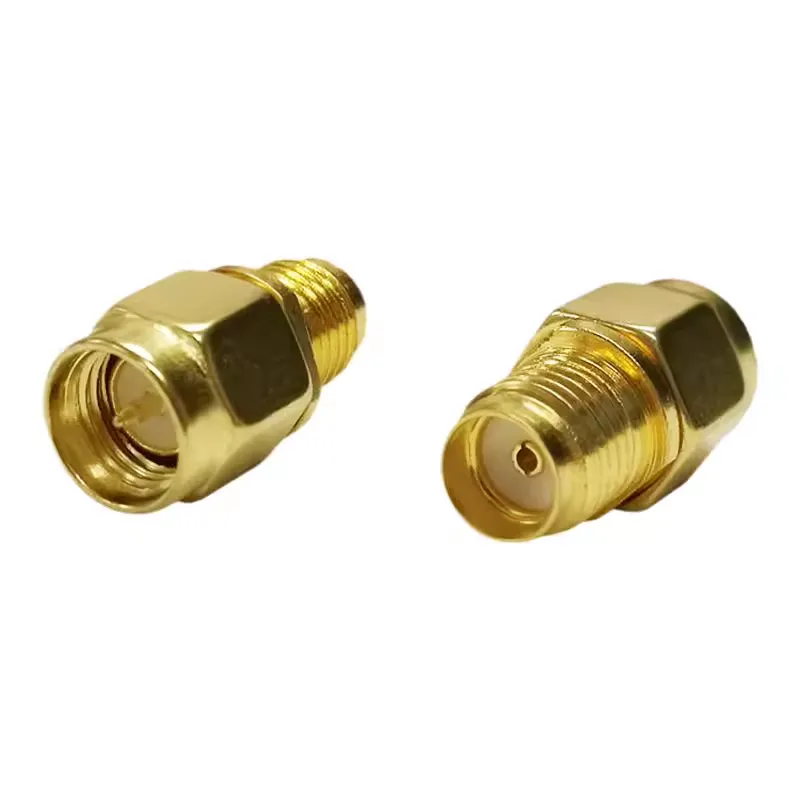
SMA Adapter Guide: Types, Gender Codes & Common Conversions

IntroductionAt its core, an SMA adapter is nothing more than a small coaxial bridge. It doesn’t perform any digital conversion, nor does it alter protocols. Instead, it ensures the threads, gender, and center contacts line up correctly so two devices can talk to each other. In practice, engineers reach for these adapters whenever ports don’t match, or when switching between connector families without re-terminating cables. The main categories of sma adapters are easy to keep in mind:

Cutaway diagram of RG178 coaxial cable structure showing conductor, dielectric, shield, and jacket

What is RG178 Coaxial Cable? Specs, Loss & Applications

Introduction In RF design, space is often the enemy. When circuit boards are crammed with components and there’s barely room for another trace, cable choice becomes critical. That’s where the RG178 coaxial cable steps in. With an outer diameter of only about 1.8 mm, this micro coax cable is among the thinnest options in the 50-ohm family.. You’ll usually spot it in pigtail assemblies—the kind that link a tiny U.FL or IPEX connector on a PCB to a bulkhead-mounted SMA or RP-SMA jack on the chassis. It also shows up in wearables, compact IoT modules, and even medical devices, where small size and high flexibility matter more than raw power.

Of course, there’s a trade-off. RG178 cable handles heat well and bends easily, but it loses more signal per meter than sturdier mini-coax like RG316. That makes it perfect for short, low-power RF links, but not for long-distance or high-power transmission.

RG174 coaxial cable used in CCTV, satellite TV, and video conferencing systems

What is RG174 Coaxial Cable? Specs, Loss & Applications

Introduction When it comes to RF (radio frequency) systems, RG174 coaxial cable is a staple for short-range, flexible connections. You’ll often find it in IoT devices, wireless communication, and test equipment. Though it might seem like a basic cable, RG174 plays a crucial role in high-performance setups. Whether you’re working in a lab, setting up a router, or designing compact antennas, RG174 can meet your needs. But like any other cable, it’s essential to understand its structure, performance, and best use cases before using it. In this guide, we will take a deep dive into RG174’s structure, applications, and performance characteristics, helping you determine when and where it’s the best choice for your projects.

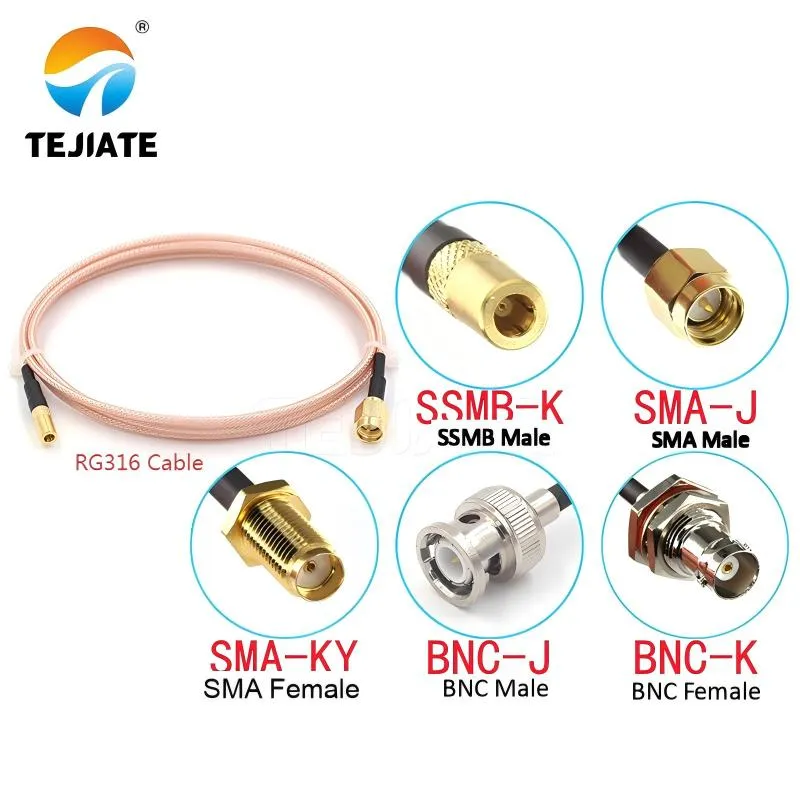
Close-up of a U.FL to SMA connector pigtail cable made with RG316

What Is RG316 Cable? Specs, Loss, Power Rating & Comparisons

Introduction If you work around RF systems, test equipment, or wireless modules, chances are you’ve run into a thin brown coaxial line labeled RG316 cable. At first glance, it doesn’t look like much—just another small, flexible wire. Yet this modest cable plays a vital role in short-range RF connections, especially in demanding environments where flexibility, heat resistance, and stable performance matter. Unlike larger coaxial standards such as RG58 or LMR400, RG316 is not designed to carry signals across long outdoor runs. Instead, it shines in applications like test jumpers, antenna pigtails, or compact device assemblies where space is limited. Engineers often favor it in labs and aerospace settings because it bends easily without breaking and withstands high temperatures.

Close-up comparison of SMA and RP-SMA connector centers showing pin vs socket

SMA vs RP-SMA Wi-Fi Antenna Connectors: A Practical Guide

Introduction Picture this: you buy a brand-new Wi-Fi antenna online, screw it onto your router, and… nothing happens. No signal boost, no improved coverage—just frustration. What went wrong? In many cases, the problem isn’t the antenna’s gain, brand, or design. It’s something far simpler: the connector type.In the world of wireless gear, two nearly identical connectors cause endless confusion—SMA and RP-SMA antenna connectors often found on Wi-Fi devices. At a glance, they look the same: same threads, same size, same shiny finish. Yet one has a pin where the other has a socket, and that tiny difference decides whether your antenna works or fails.

WiFi antenna types and functions

What Is a WiFi Antenna? Types, Specs & Field-Tested Tips

Introduction Ever noticed how your WiFi signal feels strong in the living room but collapses the moment you step into the garage? That frustration is almost always tied to the antenna, not the router itself. Weak coverage, unstable links, or IoT devices that keep dropping off the network—these are all symptoms of a poor antenna match. A WiFi antenna is the unsung hero in any wireless setup. It’s the part that decides how far your signal reaches, how stable it stays when walls or interference get in the way, and whether multiple devices can stay online without constant lag. In practice, picking the wrong one can feel like buying a sports car and then putting on bicycle tires—it simply won’t perform the way you expect.

4.3-10 to N-Type adapter used for migration from legacy systems

4.3-10 vs N-Type Connector: Size, Torque & PIM Compared

Introduction Ask any RF engineer and they’ll tell you: connectors aren’t just small pieces of hardware, they’re decision points that ripple through your entire project. They affect signal quality, PIM risk, port density, and how quickly a crew can finish an install. Two names in particular come up often—the 4.3-10 connector and the N-Type connector. If you’re weighing 4.3-10 vs N connector, chances are you’re either upgrading a legacy site or building out LTE/5G gear. The choice isn’t trivial. The 4.3-10 is today’s compact, low PIM connector for high-density radios, while the N-Type is a rugged veteran, trusted since the 1940s for medium-power links and test setups.

4.3-10 vs 7/16 DIN connectors side by side on white background

4.3-10 vs 7/16 DIN (L29): Power, PIM & Torque Compared

Introduction In the world of RF infrastructure, a few connector names always rise to the top: 7/16 DIN (L29) and 4.3-10. Both are low PIM connectors designed to keep multi-carrier signals clean, and both are engineered for outdoor telecom use. Yet they serve slightly different roles. If you’re an RF engineer, a tower technician, or even a procurement manager tasked with choosing between them, you’ve probably asked: Which connector should I pick? 7/16 DIN or 4.3-10?

What Is a 4.3-10 Connector? Specs, Torque & 5G Uses

Introduction Climb a tower today and you’ll spot a compact silver interface labeled 4.3-10. It looks like any coax fitting, but the 4.3-10 connector was built for the LTE/5G era: low Passive Intermodulation (PIM), tighter port spacing, and quicker installs. For years, the heavy 7/16 DIN dominated high-power work. As gear shrank and ports multiplied, crews needed something smaller that still protected link budgets. The 4.3-10 answered with low PIM, lower torque, and dependable weather sealing.

What Is a 7/16 DIN Connector (L29)? Uses, Torque & Adapters

Introduction If you’ve ever worked on a rooftop cell site, a distributed antenna system (DAS), or a telecom shelter in the middle of summer heat, chances are you’ve come across a 7/16 DIN connector. Also known as the L29 connector or sometimes just “DIN 7/16,” this threaded coaxial interface has been a workhorse in high-power RF systems for decades.So, what makes it special? In short: it’s built for power handling, low Passive Intermodulation (PIM), and reliable outdoor performance. When smaller connectors struggle to carry high RF loads or break down under weather stress, the 7/16 DIN steps up. That’s why you’ll still find it widely used on macro base stations, rooftop antennas, broadcast towers, and in-building DAS hubs.

What Is an N-Type Connector? 50Ω vs 75Ω, Uses & Tips

Definition: An N-Type connector is a threaded RF interface for outdoor, higher-power links in 50 Ω or 75 Ω systems. the N-Type connector is the workhorse for outdoor RF and higher-power links. It’s threaded (stable), relatively large (easy to handle), and—when specified correctly—stays consistent from VHF through microwave bands. If your job involves rooftop antennas, long coax runs, or telecom cabinets, this guide is for you.