
75 Ohm BNC Cable Planning for HD Video Systems
Feb 02,2025

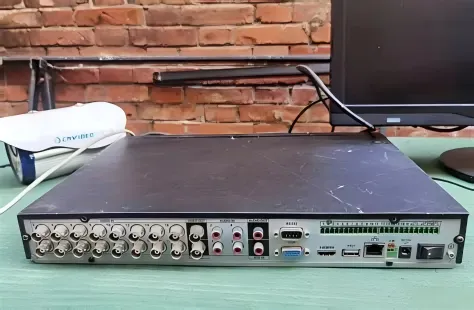
Figure 1 is positioned in the article's introduction, aiming to establish the core argument. Its context describes how video systems rarely fail outright but suffer degraded picture quality over weeks or months. Therefore, this figure is likely a schematic or infographic emphasizing the "hidden problem." It might show two states side-by-side: one labeled "During Installation" with a normal clear image, and another labeled "Months Later" with softened edges, pixel noise, or dropouts. An arrow or focus points to the BNC cables between devices as the root cause—not the camera or display—visually introducing the theme that cabling is critical for long-term stability.
Video systems rarely fail in obvious ways. A camera still powers on, a monitor still shows an image, and basic checks pass during installation. Yet weeks or months later, picture quality begins to drift. Edges soften, brief dropouts appear, or sync instability shows up only under motion or load. In many real-world installations, the root cause is not the camera, recorder, or display. It is the 75 ohm BNC cable quietly sitting between them, operating just outside its safe margin.
Video signals—especially digital formats—are far less forgiving than many installers expect. A BNC connector that physically fits does not guarantee that the signal path behaves correctly at frequency. Once a system moves beyond baseband analog video, impedance accuracy, attenuation control, and connector quality stop being secondary considerations and become system-level requirements. This guide focuses on how to plan, size, and validate 75 Ω BNC cable runs used in CCTV, SDI, and broadcast-style video systems, with emphasis on decisions that determine long-term stability rather than lab-only success.
When does a 75 ohm BNC cable become mandatory in video systems?
Distinguish 75 ohm bnc cable from generic bnc cable in CCTV, SDI, and broadcast
Map bnc video cable use cases: analog CVBS, HD-SDI, 3G/6G/12G-SDI, and broadcast links

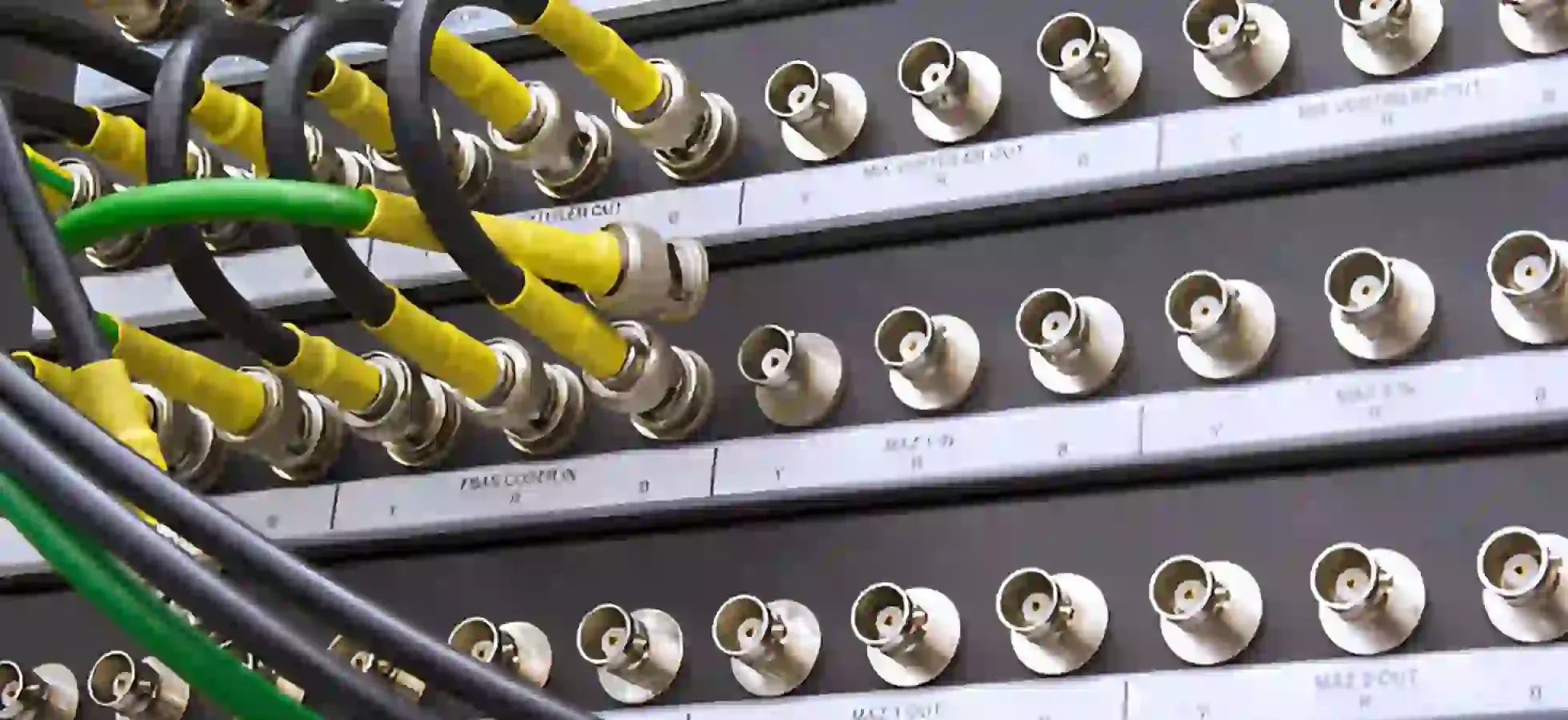
Figure 2 follows the section explaining how different video formats stress cables differently. The text explicitly distinguishes the core challenges for CVBS vs. HD/high-speed SDI formats. Therefore, this figure is likely a matrix or flowchart. The top might list video formats, and the side lists key performance parameters (Shielding, Impedance Matching, Attenuation/Loss). Using lines, color codes, or weighting symbols, it clearly shows CVBS strongly correlates with "Shielding Quality," while the SDI family (especially 3G+) strongly correlates with "Impedance Consistency" and "Frequency Loss," vividly illustrating the fundamental shift in cable selection criteria as formats advance.
Avoid using 50 ohm bnc cable in 75 Ω video chains and understand visible symptoms
Use an impedance and length matrix to size your 75 ohm BNC runs
75 Ω BNC Video Link Planning Matrix
Instead of relying on rules of thumb, estimate total link loss using a conservative model that accounts for both cable attenuation and connector interfaces:
Total_loss_dB ≈ Cable_loss_dB_per_m × Length_m + Connector_count × 0.1 dB
A safety check then compares this loss against the format’s allowable budget:
Margin_dB = Max_allowable_loss_dB − Total_loss_dB
(Safe operation typically requires Margin_dB > 3 dB)
| Video format | Target max distance (m) | Cable grade | Frequency equivalent | Connector count | Recommended max length | Suggested cable type | Allowed inline connectors | Risk level |
|---|---|---|---|---|---|---|---|---|
| CVBS | 200 | Standard | <10 MHz | 4 | ~250 m | Standard 75 Ω | ≥6 | Green |
| 1080p SDI | 100 | Standard | ~1.5 GHz | 4 | ~90 m | Low-loss preferred | ≤4 | Yellow |
| 3G-SDI | 100 | Low-loss | ~3 GHz | 3 | ~80 m | Low-loss | ≤3 | Yellow |
| 6G-SDI | 70 | Broadcast-grade | ~6 GHz | 2 | ~60 m | Broadcast-grade | ≤2 | Red |
| 12G-SDI | 50 | Broadcast-grade | ~12 GHz | 2 | ~40 m | Broadcast-grade | ≤1 | Red |
Calculate allowable loss for each HD/SDI format over 75 ohm bnc cable
Decide when to upgrade from generic bnc coaxial cable to broadcast-grade assemblies
Account for patch panels, bnc cable jumpers, and inline adapters in loss budgets

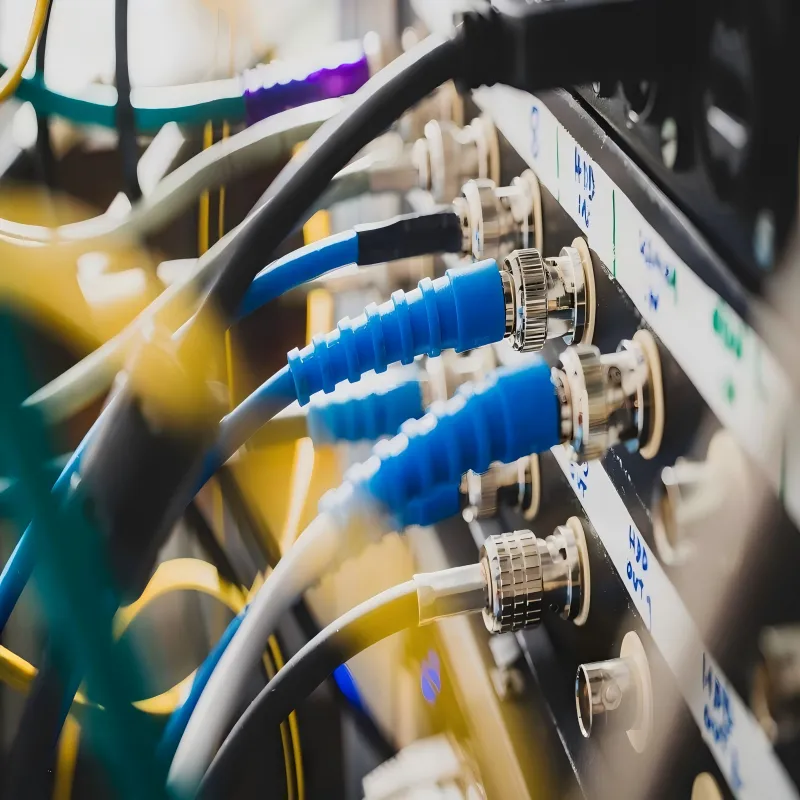
Figure 3 is placed in the section dedicated to accounting for patch panels, jumpers, and adapters in the loss budget. The context warns against overlooking these factors. Therefore, this figure is most likely an annotated signal path diagram. It might show a signal line traveling from left (source) to right (destination), passing through one or more patch panels, connected via short jumper cables, and possibly including a BNC barrel adapter. Crucially, each physical connection point (e.g., panel port, jumper end) might be annotated with a small loss value (e.g., "+0.1 dB") and a reflection symbol, culminating in a cumulative formula (like the one in the text: Total Loss = Cable Loss + Connector Count × 0.1dB) summing to the final total loss, emphasizing the importance of "count."
How should you compare 50 ohm and 75 ohm BNC cable in real projects?
Review impedance, return loss, and reflection issues when mixing 50 ohm bnc cable and 75 Ω loads
A 75 Ω video chain assumes that reflections remain small enough to decay before they interfere with subsequent transitions. Introducing 50 ohm bnc cable breaks that assumption at every interface. Each impedance step reflects part of the signal energy back toward the source. At SDI data rates, these reflections do not simply reduce amplitude; they distort edge timing and increase jitter sensitivity.
This is why mixed-impedance systems often pass simple continuity or “does it show a picture” checks but fail under stress. Return loss, not DC resistance, determines whether a link remains stable as temperature changes, connectors age, or routing shifts slightly. The physical basis for this behavior is well understood in transmission-line theory and is covered in general terms in references such as the coaxial cable transmission overview, even though those sources do not address video-specific tolerances.
Understand when a 50 Ω instrument can tolerate a 75 ohm bnc cable in monitoring-only setups
There are legitimate cases where 50 Ω and 75 Ω equipment coexist without immediate consequences. Test instruments such as oscilloscopes and waveform monitors often default to 50 Ω inputs. When these devices are connected briefly for observation or troubleshooting, using a 75 ohm bnc cable is usually acceptable, provided the run is short and isolated from the main signal path.
The distinction that matters is permanence. Monitoring connections are temporary and non-critical. Distribution paths feeding recorders, switchers, or downstream displays are not. Treating those two cases as equivalent is a common source of late-stage instability, especially in systems that evolve over time.
Build a simple checklist for deciding between 50Ω vs 75Ω BNC across lab and field use
Plan 75 ohm BNC cable paths for CCTV and security video
Use bnc camera cable for long analog CCTV and AHD/TVI/CVI runs in buildings

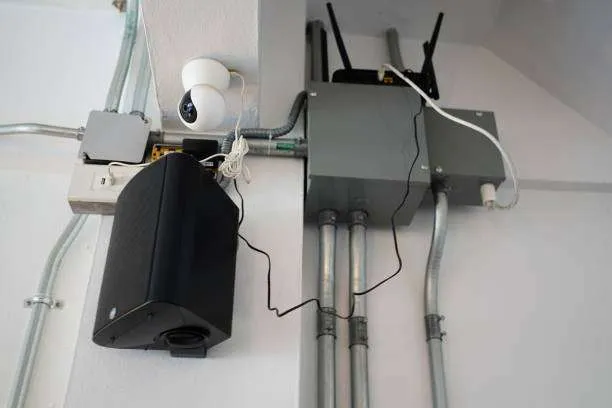
Figure 4 is located in the chapter on planning cable paths for CCTV and security video, specifically addressing cabling for long-distance analog and HD-over-coax systems within buildings. The context mentions conduits, risers, outdoor trays, and avoiding over-bending. Therefore, this figure is likely a building cabling schematic or composite photo. It might show a simplified cross-section of a multi-story building, with BNC cables running from a basement or entrance, through a pipe labeled "Conduit," vertically up into an area labeled "Riser," and then horizontally into an area labeled "Cable Tray" (possibly parallel to power cables). A prominent visual (e.g., a large-radius bend vs. a sharp kink) would emphasize the "Minimum Bend Radius," and potential stress points (e.g., entering an enclosure, turning around a corner) might be annotated.
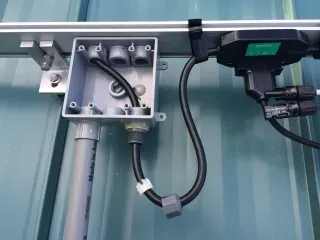
Legacy analog CCTV and HD-over-coax formats remain common in commercial buildings. BNC camera cable in these systems prioritizes shielding effectiveness and mechanical durability, sometimes at the expense of bandwidth margin. That tradeoff was acceptable when signal formats were forgiving. It becomes risky as newer DVRs push higher frequencies over the same infrastructure.
When cameras are upgraded but cabling is reused without verification, symptoms such as intermittent noise, rolling artifacts, or unstable sync often follow. These are not camera faults. They are indicators that the cable is operating too close to its limit.
Route 75 ohm bnc cable through conduits, risers, and outdoor trays without over-bending
Mechanical handling has a direct electrical consequence. Excessive bending alters the cable’s internal geometry, creating localized impedance variation that behaves like a small reflection point. This effect is subtle, invisible, and rarely caught during installation.
Respecting minimum bend radius and avoiding tight tie-downs preserves impedance consistency along the entire run. This matters most at transitions—entering enclosures, rising through floors, or turning sharply around structural elements.
Combine coax runs with power and control wiring while minimizing noise and interference
How do you specify and test 75 ohm BNC cable before deployment?
Define key specs for bnc coaxial cable: impedance, velocity factor, shielding, jacket type
A datasheet that lists only “75 Ω” leaves too many questions unanswered. Bnc coaxial cable intended for video should specify impedance tolerance, velocity factor, shielding construction, and jacket material. Velocity factor affects timing behavior over long runs. Shielding quality influences susceptibility to external interference. Jacket choice determines mechanical life and code compliance.
In regulated environments, fire ratings such as plenum or riser approval may be as important as electrical performance.
Verify 75 ohm bnc cable using TDR, return-loss, and sweep tests instead of visual checks
Visual inspection confirms workmanship, not signal integrity. Time-domain reflectometry exposes impedance steps caused by poor terminations or damaged sections. Return-loss measurements reveal whether connectors and cable transitions remain controlled across frequency. Organizations such as SMPTE publish guidance on acceptable loss and signal behavior for SDI formats, and those limits are widely used as acceptance benchmarks in professional video environments.
Even when full compliance testing is impractical, understanding these criteria explains why marginal links behave unpredictably.
Qualify third-party assemblies and avoid mislabeled bnc cable in mixed inventories
Control mechanical stress and reliability of 75 ohm BNC runs over time
Limit connector strain, panel loading, and repeated mating in patch bays
Protect outdoor 75 ohm bnc cable with proper weatherproofing, UV-resistant jackets, and drip loops

Figure 5 is placed in the section emphasizing long-term reliability measures for outdoor cables. The text specifically names weatherproof connectors, UV-resistant jackets, and drip loops as concrete differentiators, not just abstract "best practices." Therefore, this figure is certainly a detailed schematic focusing on the connection point and cable jacket. It clearly depicts a segment of outdoor BNC cable: one end terminates in a BNC plug protected by a "sealed boot" or "gel fill"; the cable jacket itself is labeled "UV-Resistant"; and just before the cable enters the connector port, a deliberate "U"-shaped sag—the "Drip Loop"—is formed, with arrows indicating rainwater should drip from the bottom of this loop, not run into the connector. This image aims to translate the textual advice into actionable, specific installation details.

Plan maintenance intervals and field inspection steps for aging coax infrastructures
Track recent trends in 75 ohm BNC cable for HD and IP-converged systems
Understand how 12G-SDI and 8K workflows push 75 ohm bnc cable performance requirements
See how hybrid SDI/IP production still depends on reliable bnc video cable backbones
Watch for new low-loss materials and plenum-rated 75 ohm bnc cable in broadcast and pro AV
Resolve common 75 ohm BNC cable questions from installers and engineers
What happens if I accidentally use 50 ohm bnc cable in a 75 ohm HD-SDI path?
How far can 75 ohm bnc cable run for 1080p and 12G-SDI without repeaters?
How can I tell if a bnc camera cable is truly 75 Ω and suitable for modern CCTV DVRs?
When should I replace aging 75 ohm bnc cable instead of re-terminating connectors?
Can I reuse legacy 75 ohm bnc cable when upgrading from analog CCTV to HD-SDI?
How do I mix 75 ohm bnc cable with IP video and PoE systems in the same building?
Bonfon Office Building, Longgang District, Shenzhen City, Guangdong Province, China
A China-based OEM/ODM RF communications supplier
Table of Contents
Owning your OEM/ODM/Private Label for Electronic Devices andComponents is now easier than ever.
